AI Domain Categorization
AI categorization module can be configured to categorize unknown domains with the help of OpenAI.
Categorization task runs once per day using /etc/cron.daily/websafety_telemetry script and selects the list of uncategorized domain names from the traffic history. Each domain is categorized using the artificial OpenAI model. Results of the categorization are loaded into the Admin UI and web filtering server and are applied in the same way as the normal domain categories from the default database.
OpenAI Integration
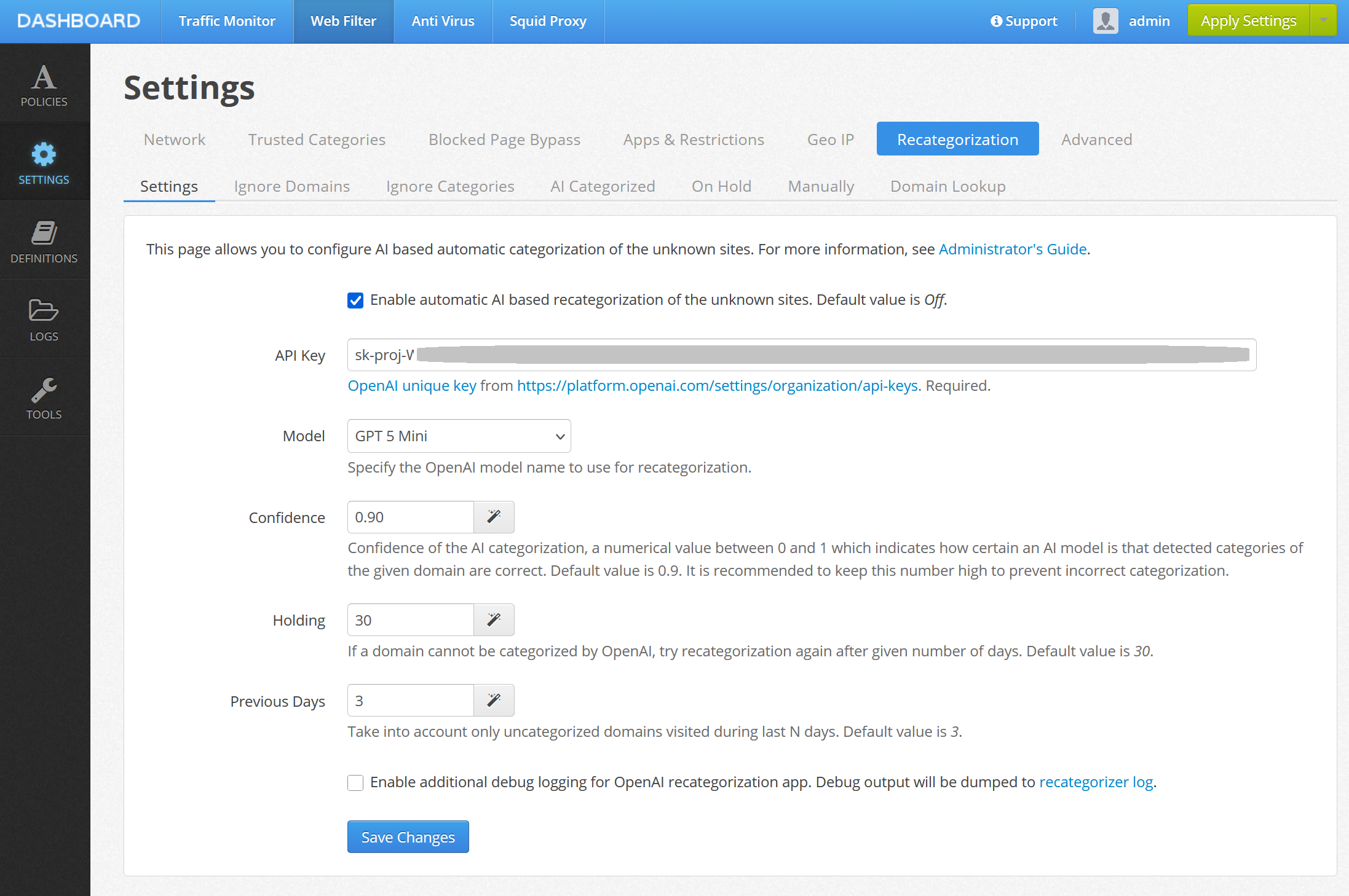
To access settings for OpenAI integration, click Admin UI / Web Filter / Settings / Recategorization and select the Settings tab. Adjust the settings as desired.
Important
Note, in order to be able to call OpenAI API for site categorization using AI you would need to request a unique OpenAI key as explained in this OpenAI support article. Keep this API key secret because if it is leaked, anybody can use it on your behalf. OpenAI API usage is not free.
You can also adjust the following aspects of the categorization.
| Setting | Description |
|---|---|
| Model | OpenAI model to use for categorization. Currently GPT 5.6 Terra model is recommended. |
| Confidence | A numerical value between 0 and 1 which indicates how certain an AI model is that detected categories of the given domain are correct. |
| Holding | If a domain cannot be categorized by AI, try recategorization again after given number of days. Default value is 30. |
| Previous Days | Number of previos days in the traffic statistics to load the uncategorized from. |
On the Ignore Domains and Ignore Categories tabs you can also specify which domains and domain categories are to be ignored in AI categorization.
Categorized Domains
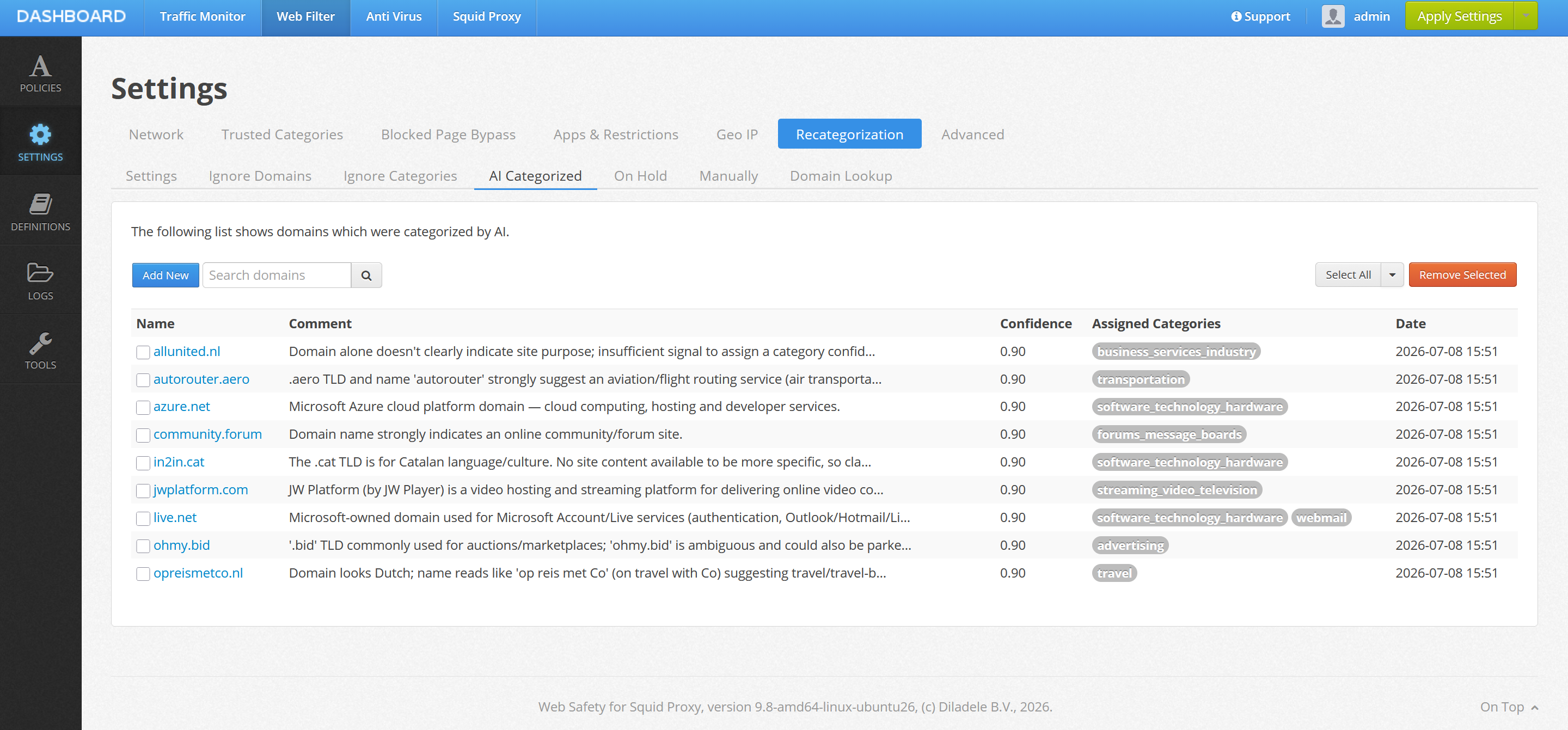
The Categorized, On-Hold and Manual tabs allow you to inspect the corresponding domains. The list can be searched through and categories of individual domains adjusted if needed.
Blocking Rule in Policy
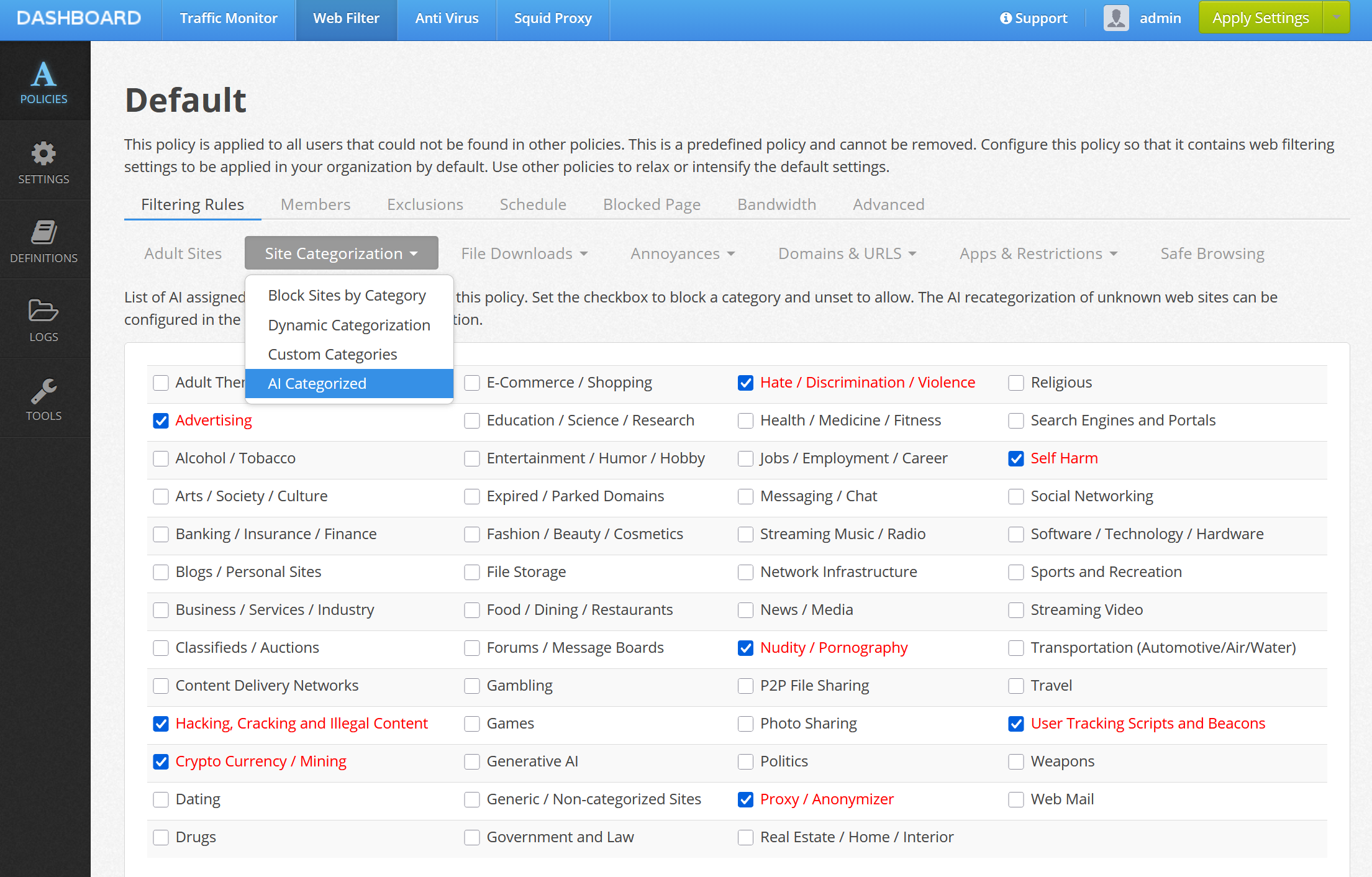
After domains are AI categorized admin can designate some categories as blocked. This is configured per policy in Admin UI / Web Filter / Policies / Rules / Categories / AI Categorized.