Unexpected Upgrade of Squid to 7.7 in Web Safety 9.8
Question: Recently Ubuntu team unexpectedly upgraded the stock version of Squid present in Ubuntu 26.04 to version 7.7. This leads to unexpected upgrade of installed Squid from tested version 7.6 from Diladele repository to untested version 7.7 from Ubuntu repository. What should admin be specifically aware of?
Answer: If you run apt update && apt -y upgrade commands periodically then the Squid will be upgraded from version 7.6 to version 7.7. While by itself version upgrade of the binary Squid file is not harmful (as we have tested in preparing for upcoming Web Safety 9.9), it is important to not let the default squid config files be reset to stock versions, as this will ruin Admin UI integration with Squid and make configuration changes made from Admin UI invisible to running Squid process.
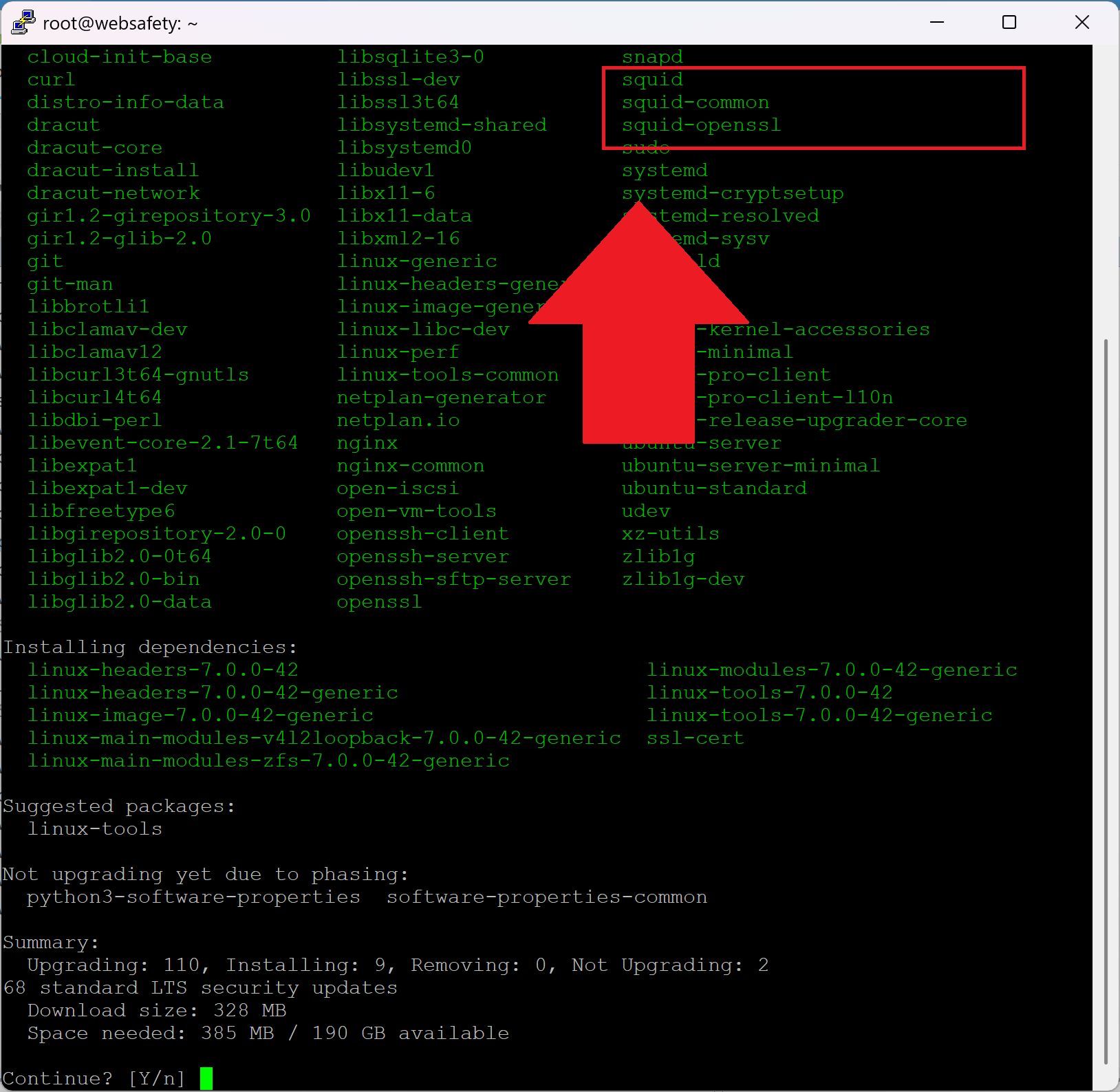
When you run apt update && apt -y upgrade commands on the virtual appliance, the following message will be presented. It is very important to select N (keep your currently-installed version) to leave changes to /etc/logrotate.d/squid and /etc/squid/squid.conf files in place and not to reset them to stock version.
Setting up squid (7.7-0ubuntu0.26.04.1)
Installing new version of config file /etc/apparmor.d/usr.sbin.squid
Configuration file «/etc/logrotate.d/squid»
 ==> Modified (by you or by a script) since installation.
 ==> Package distributor has shipped an updated version.
   What would you like to do about it ?  Your options are:
    Y or I  : install the package maintainer's version
    N or O  : keep your currently-installed version
      D     : show the differences between the versions
      Z     : start a shell to examine the situation
 The default action is to keep your current version.
                                        <<<<
*** squid (Y/I/N/O/D/Z) [default=N] ? N <<<< SELECT N HERE!!!
                                        <<<<
Configuration file «/etc/squid/squid.conf»
 ==> Modified (by you or by a script) since installation.
 ==> Package distributor has shipped an updated version.
   What would you like to do about it ?  Your options are:
    Y or I  : install the package maintainer's version
    N or O  : keep your currently-installed version
      D     : show the differences between the versions
      Z     : start a shell to examine the situation
 The default action is to keep your current version.
                                             <<<<
*** squid.conf (Y/I/N/O/D/Z) [default=N] ? N <<<< SELECT N HERE!!!
                                             <<<<
If you have by accident still reverted those files to stock Ubuntu versions, you can manually replace the contents of the /etc/logrotate.d/squid file to the following.
#
#   Logrotate fragment for squid - note we only logrotate cache.log as access log in Web Safety 9+ is rotated by the logfile_daemon
#
/var/log/squid/cache.log {
    daily
    compress
    delaycompress
    rotate 7
    maxage 7
    missingok
    nocreate
    sharedscripts
    prerotate
        test ! -x /usr/sbin/sarg-reports || /usr/sbin/sarg-reports daily
    endscript
    postrotate
        test ! -e /run/squid.pid || test ! -x /usr/sbin/squid || /usr/sbin/squid -k rotate
    endscript
}
And contents of /etc/squid/squid.conf to the following.
#
# squid.conf - fully managed by Web Safety
#

#
# the conf files in /opt/websafety/etc/squid/* folder are generated based on templates
# stored in /opt/websafety-ui/var/console/squid/templates/squid/conf/* folder. For now,
# not all settings of Squid can be managed from Web UI; sometimes it is necessary
# to edit the templates manually and then click Save and Restart from Web UI
# to actually regenerate configuration files from these templates.
#
# We are adding more and more Squid management into Web UI but the work is not yet
# over. Hopefully in several releases you will seldom need to manually change the
# templates.
#
#
include "/opt/websafety/etc/squid/squid.conf"
In the next version of the virtual appliance will pin the tested diladele repository during release build of the virtual appliance so that no such unexpected changes occur anymore.