Configure VPN Server in DNS Safety
Next step is to enable the VPN server in the DNS Safety. We will use this VPN server to accept connections from external clients (iPhone, iPad, laptops) to connect to our cloud_project.
Navigate to the public IP address of your DNS Safety server, port 8000 (for example http://46.225.69.255:8000/node/vpn/server/update as we use in this tutorial) and select the VPN node on the left.
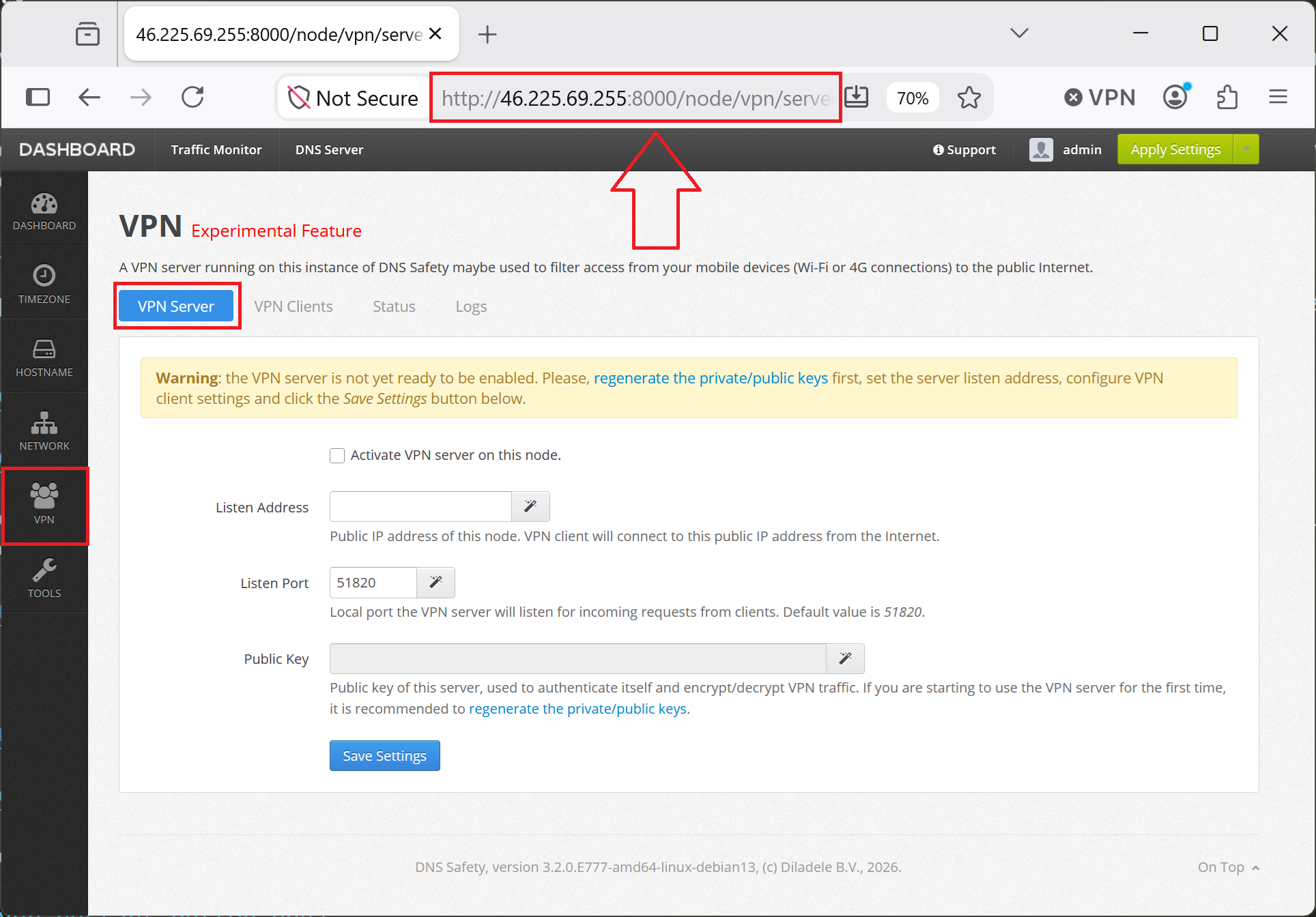
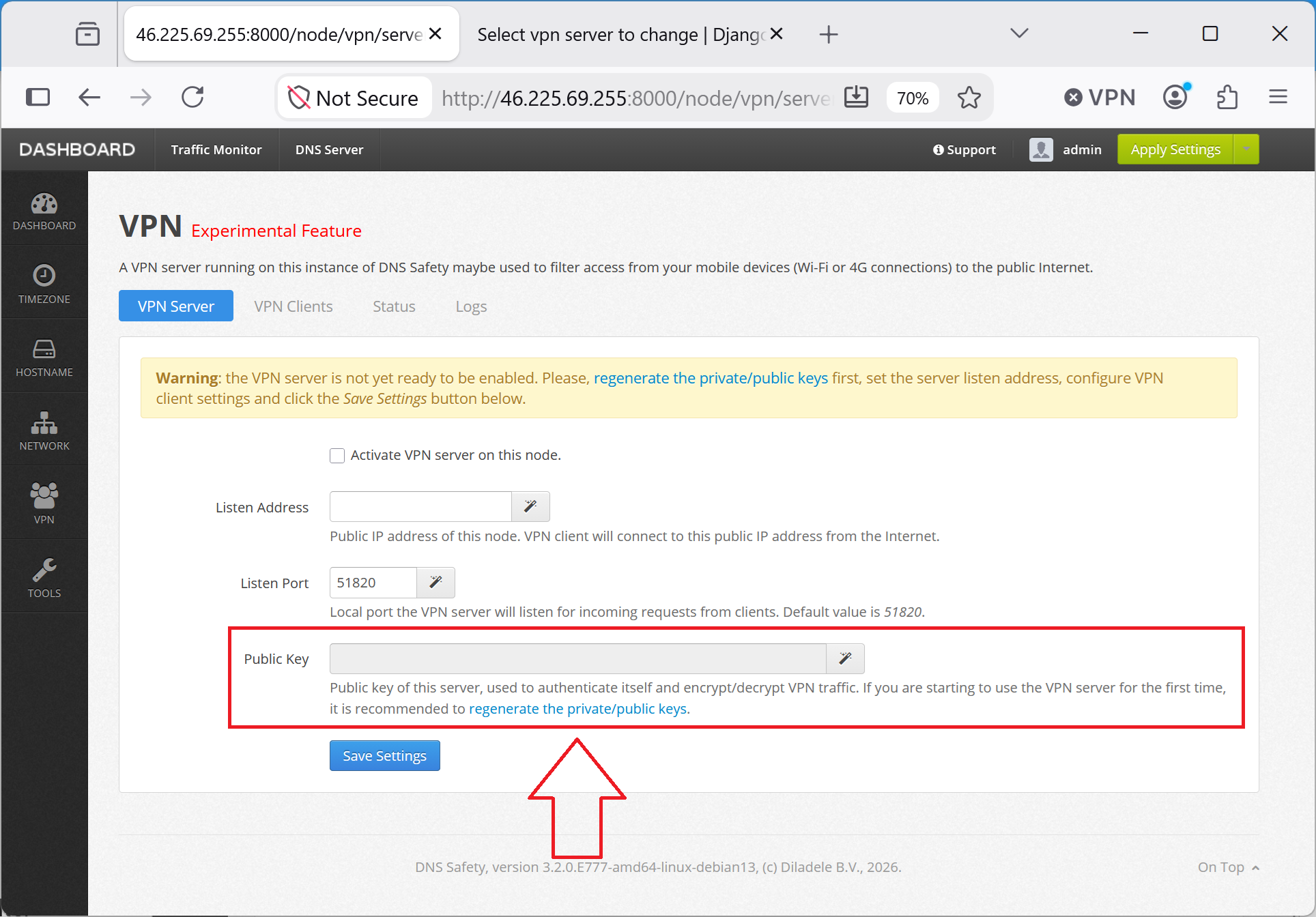
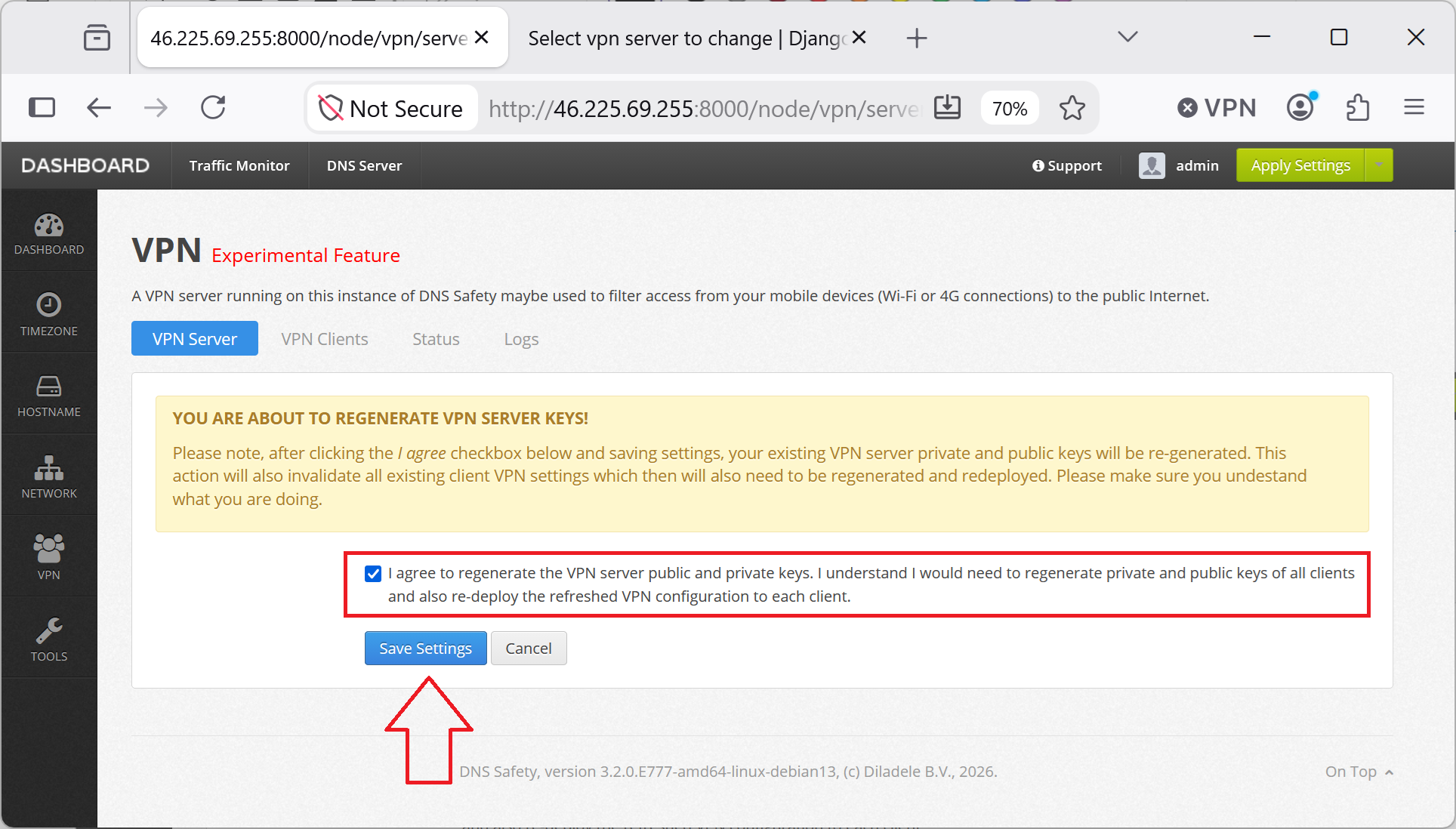
Regenerate the private/public key pairs to encrypt/decrypt VPN traffic for our server. Click the Regenerate Keys and I Agree as shown on the following screenshots.
Next, click the magic button on the right to detect the public listen IP address of the DNS Safety server. Our mobile client devices and road workers will connect to that IP address from the cellular/public networks.
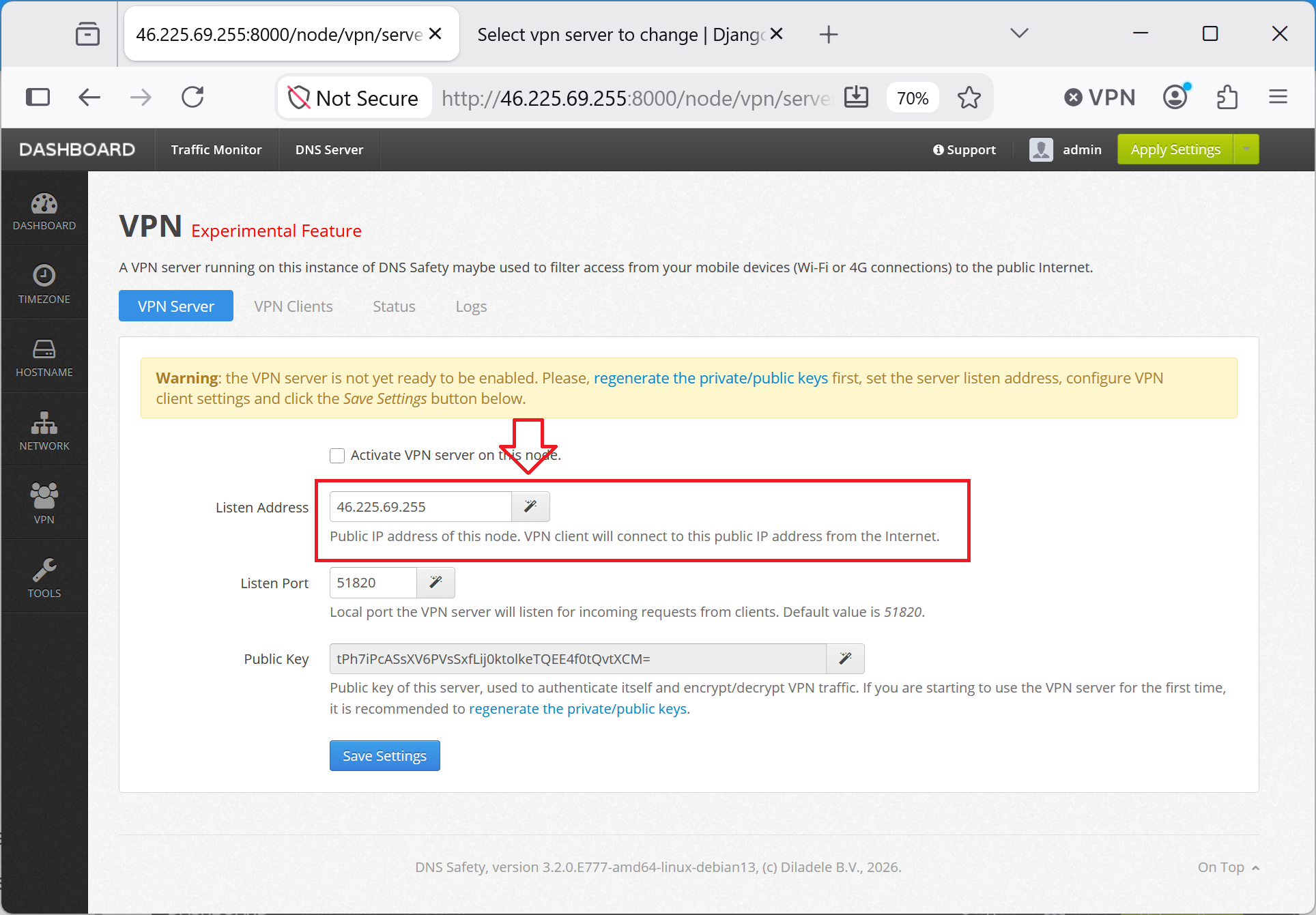
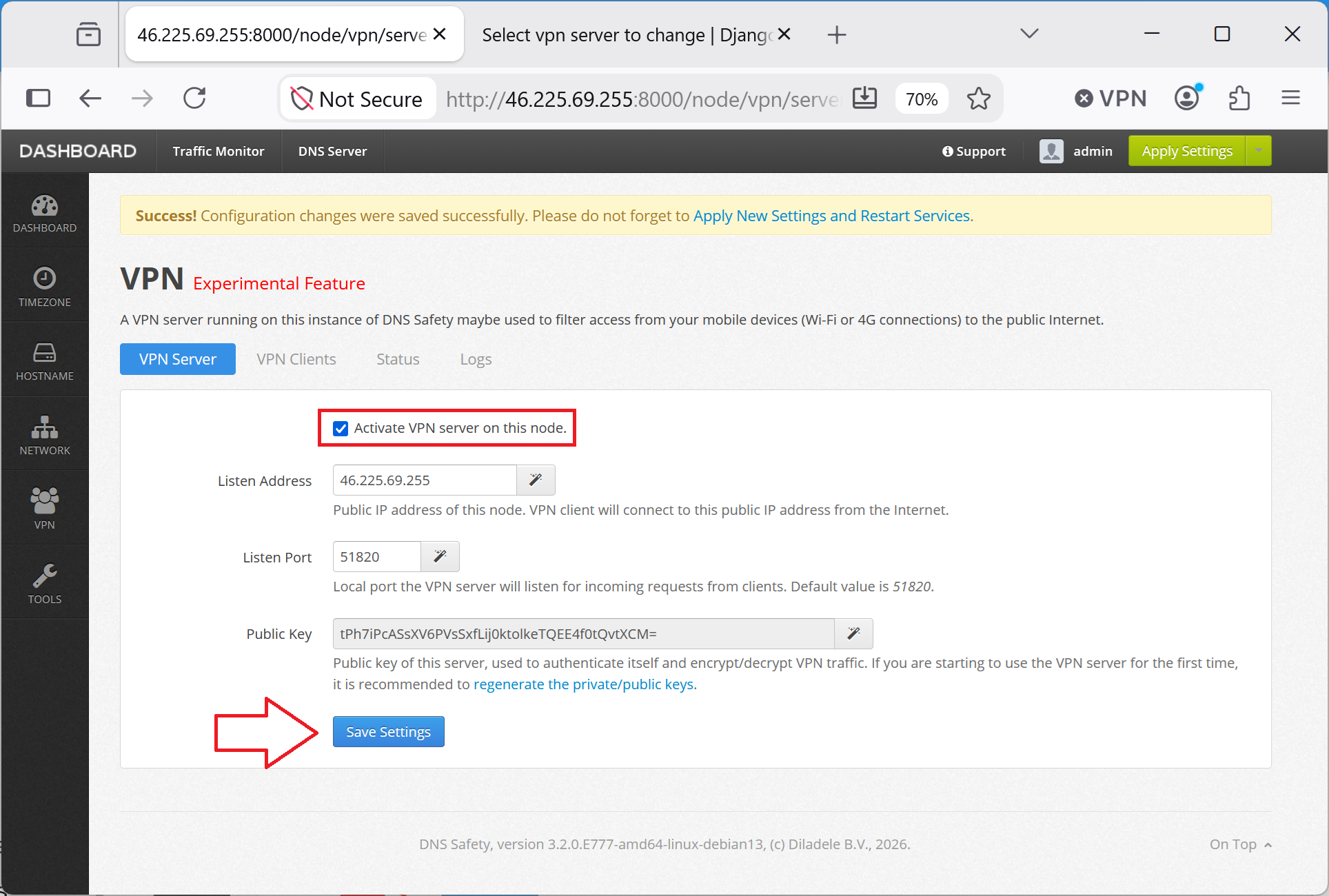
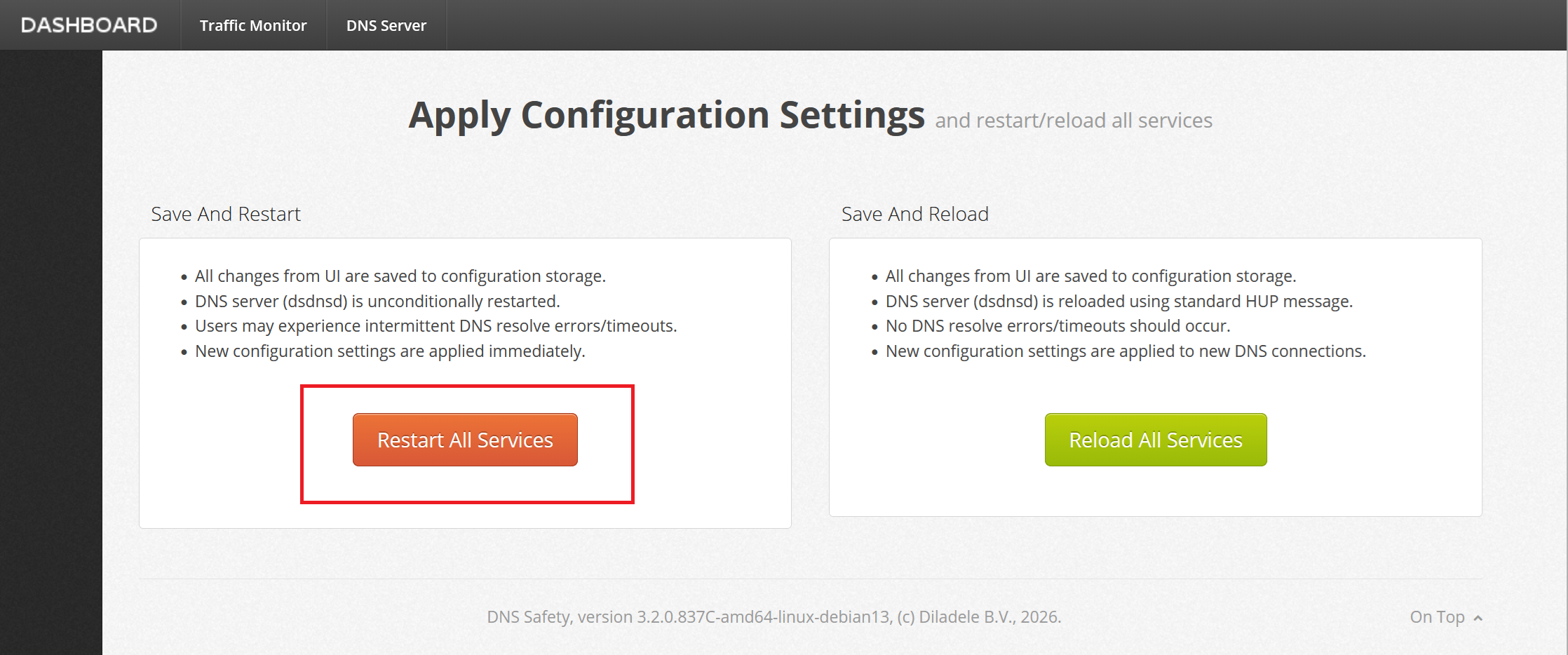
Finally, enable the VPN server and Save and Restart the services to apply our new VPN configuration.
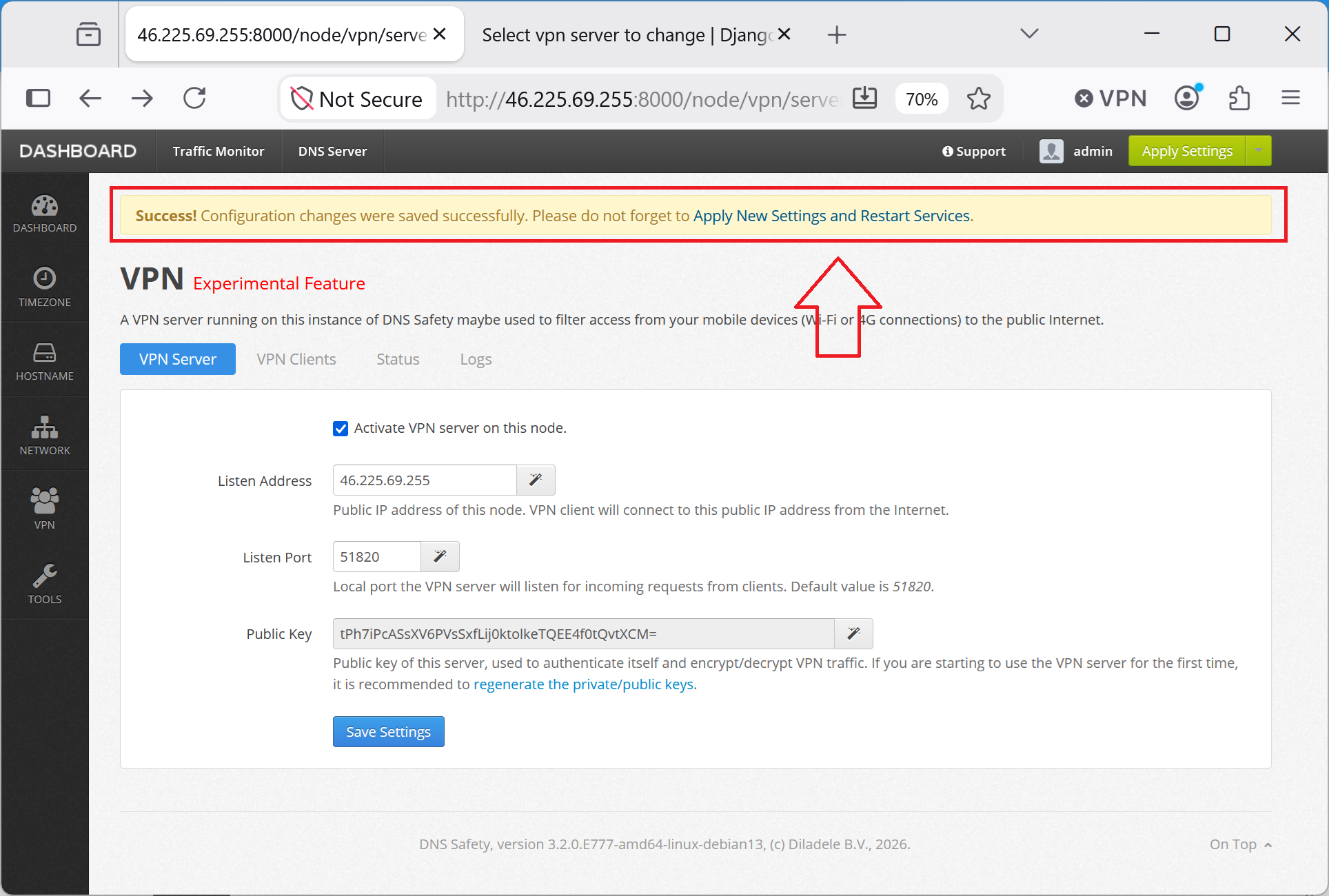
The server will be restarted as shown on the following screenshots.
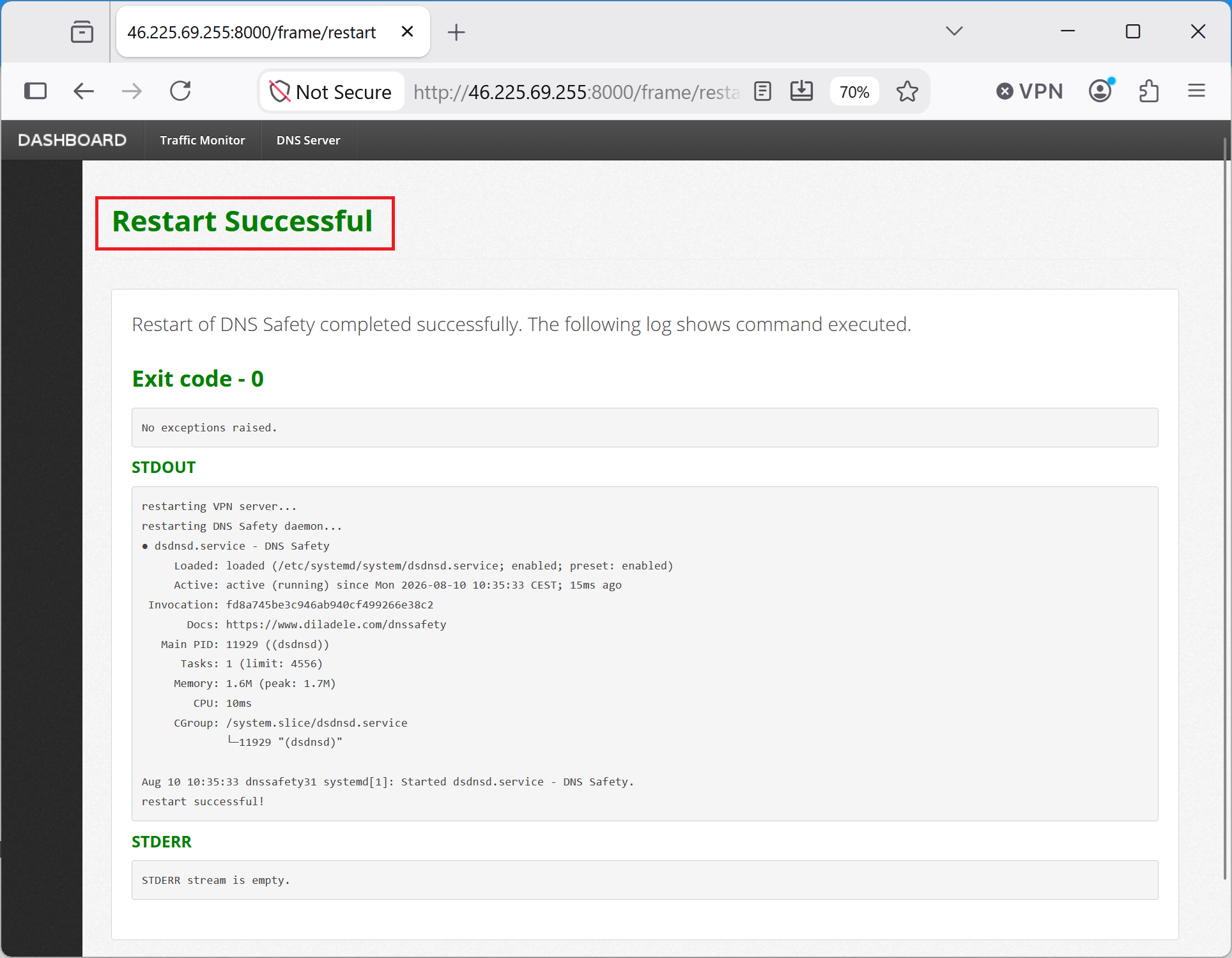
We are now ready to configure client VPN profiles.